
Background Remover
Instantly remove backgrounds from any image with AI precision. Perfect for product photos, portraits, and creative projects.
Upload & Process
Select any image to remove its background instantly
Drag and drop your image here
or click to browse
Smart AI Detection
Automatically detects and preserves your subject while removing the background perfectly
Why Choose Our Remover?
Pixel-Perfect Precision
AI-powered edge detection removes backgrounds while preserving fine details
Transparent Output
Get PNG files with true transparent backgrounds ready for any project
Lightning Fast
Process images in seconds, not minutes or hours
No Quality Loss
High-resolution output maintains your original image quality
About Background Removal
Our background remover uses advanced AI technology to seamlessly remove background from image in seconds. Whether you're creating product photos, professional portraits, or creative designs, our intelligent algorithm detects edges with pixel-perfect precision while preserving every detail of your subject.
AI background removal has never been easier. Simply upload your image and let our system handle the rest. Perfect for e-commerce, social media, design projects, and more. Get transparent PNG outputs ready for any use case.

Product Photos
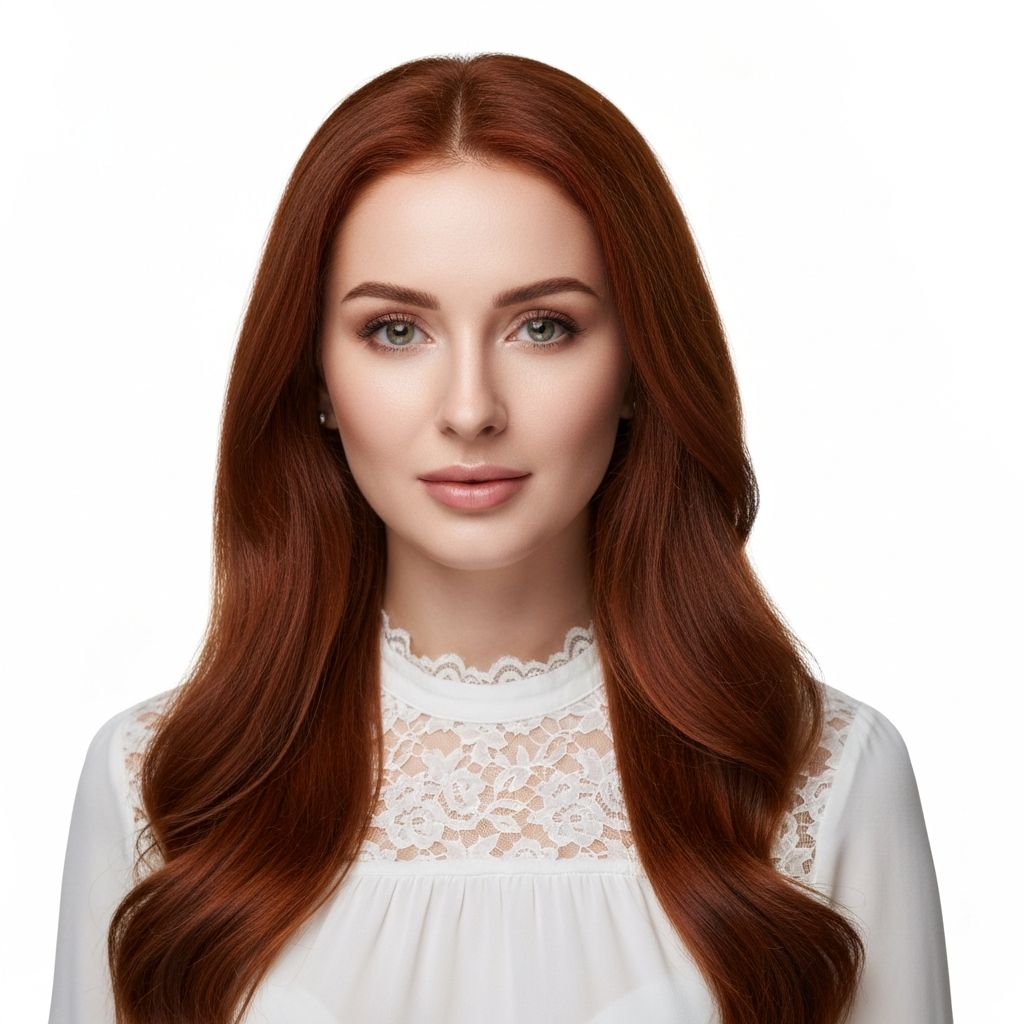
Portraits
Design Assets
What is Background Remover?
A background remover is an AI-powered tool that automatically detects and removes backgrounds from images with surgical precision. Our advanced technology uses artificial intelligence to identify the main subject in your photo and separate it from its background, creating a clean transparent PNG file in seconds. Perfect for product photography, profile pictures, creative designs, and professional presentations, this tool eliminates hours of manual editing work that would typically require expensive software like Photoshop and advanced design skills.
How to Use Background Remover
- Upload your image: Click the upload area or drag and drop any JPG, PNG, or WebP image file.
- AI processes automatically: Our intelligent system analyzes your image and identifies the subject within seconds.
- Preview the result: Review your image with the background removed and compare it to the original.
- Download PNG file: Save your image with a transparent background in high-quality PNG format.
- Use anywhere: Import your transparent image into design projects, websites, presentations, or marketing materials.
Real Use Cases for Background Removal
E-commerce Product Photos
Create professional product listings with clean white backgrounds that meet marketplace requirements for Amazon, eBay, Shopify, and other platforms.
Graphic Designers
Isolate subjects from photos for use in posters, flyers, brochures, and digital designs without tedious manual selection.
Social Media Content Creators
Produce eye-catching posts, stories, and thumbnails by placing subjects on custom backgrounds or making them pop against solid colors.
Real Estate Professionals
Remove distracting backgrounds from property photos and create clean, professional marketing materials for listings.
HR & Recruitment Teams
Standardize employee photos and headshots for company directories, ID badges, and professional profiles.
Content Marketers
Create polished visuals for blog posts, newsletters, and advertising campaigns by removing busy or unprofessional backgrounds.
Why Choose Our Background Remover?
- ✓AI-powered precision: Advanced edge detection preserves fine details like hair, fur, and complex edges
- ✓Instant processing: Remove backgrounds in 2-5 seconds with no manual editing required
- ✓Transparent PNG output: Get true alpha channel transparency compatible with all design software
- ✓No signup required: Start removing backgrounds immediately without creating an account
- ✓Free to use: Process multiple images at no cost with no hidden fees or subscriptions
- ✓Complete privacy: Your images are processed securely and never stored on our servers
Frequently Asked Questions
How does AI background removal work?
Our AI uses advanced computer vision and deep learning models trained on millions of images to distinguish foreground subjects from backgrounds. It analyzes edges, colors, textures, and patterns to accurately identify what should be kept versus removed, then creates a precise mask that separates the subject from its background.
What image formats can I upload and download?
You can upload images in JPG, JPEG, PNG, and WebP formats. The output is always delivered as a PNG file with true transparency, which is the standard format for images with transparent backgrounds and compatible with all design software and web platforms.
Does background removal work on complex images?
Yes, our AI excels at handling complex subjects including hair, fur, transparent objects, and intricate edges. While results are best with clear subject-background separation, the technology works well on most images including portraits, products, animals, and objects with detailed edges.
Will image quality be reduced after background removal?
No, your original image quality is fully preserved. We don't compress or degrade the subject in any way—only the background is removed. The output maintains the same resolution and detail as your input image, perfect for professional use.
Can I remove background from multiple images at once?
Currently, our tool processes one image at a time to ensure the best quality and speed for each removal. However, you can quickly process multiple images sequentially by uploading them one after another—each removal takes only seconds.
Is this tool better than Photoshop for removing backgrounds?
For most users, yes. While Photoshop offers manual control, our AI provides instant, accurate results without requiring expertise, software installation, or subscription fees. It's faster, easier, and delivers professional quality that rivals manual editing for the vast majority of images.
Explore More AI Tools
Experience the fastest, most accurate way to remove backgrounds from images with our free AI-powered tool. Whether you're preparing product photos for your online store, creating professional graphics for marketing, or designing social media content, our background remover delivers studio-quality results in seconds without requiring any design expertise. Start creating stunning transparent images today.